

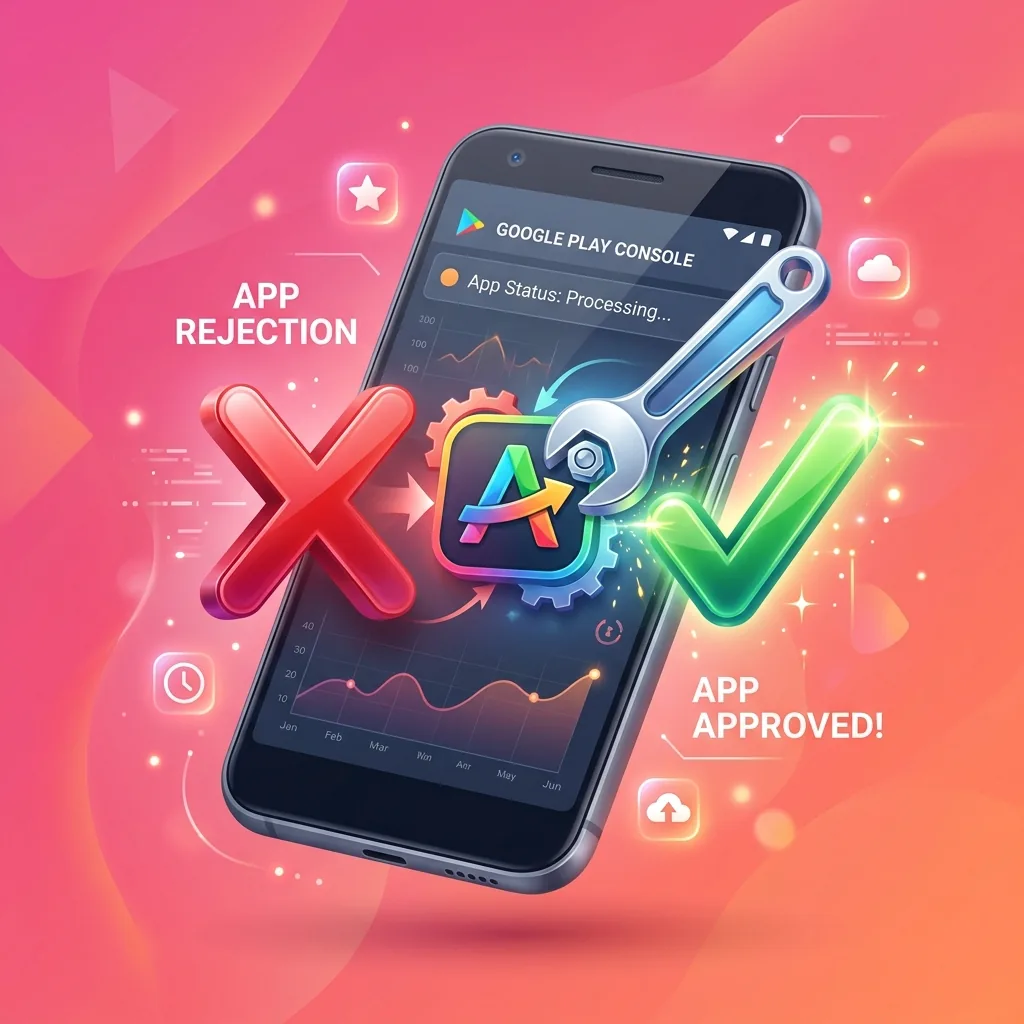
How to fix a Google Play rejection and pass review
Receiving an app rejection on Google Play Console can be stressful. Follow our remediation roadmap and generate your appeal letter ready to send.
Generate your appeal message
Subject: Appeal / Clarification regarding Closed Testing Engagement - App: Mon Application Android

Dear Google Play Review Team,

We have received feedback stating that our closed testing phase did not fulfill engagement criteria.

We have since completed the following remediation steps:
1. Recruited 15+ verified active testers via TestMonApp who installed and tested build on physical Android devices.
2. Maintained uninterrupted opt-in presence for over 14 consecutive days.
3. Collected constructive bug reports and user feedback regarding usability and core workflows.
4. Pushed an updated release resolving the initial feedback.

We respectfully request a re-evaluation of our application for production track access.

Best regards,
Developer of Mon Application Android
Top Google Play rejection reasons & solutions
Closed testing engagement insufficient
Why it happens: Google detected low activity, fake installs, or testers who left before 14 full days.
How to fix it: Run your campaign with 15–20 real community testers on TestMonApp and publish at least one minor update with release notes during the test.
App access & login credentials missing
Why it happens: Google reviewers could not access core features behind your login wall.
How to fix it: Go to App Content → App Access in Play Console and provide working test credentials with 2FA instructions.
Privacy Policy URL rejected or incomplete
Why it happens: The privacy policy URL is broken, behind a paywall, or lacks account deletion details.
How to fix it: Host a public HTTPS privacy policy explicitly stating collected data, third-party SDKs (AdMob, Firebase), and user data deletion links.
Misleading metadata or unverified claims
Why it happens: Store listing title, icon, or screenshots contain unauthorized badges or misleading promises.
How to fix it: Remove terms like "#1 App", "Free", or unverified awards from your Play Store title and graphics.
Google Play Rejections FAQ
How many times can I resubmit my app after a Google rejection?
There is no hard limit on resubmissions, but multiple consecutive policy violations can trigger account suspensions. Always fix root causes carefully before appealing.
How long does Google Play appeal review usually take?
Appeals submitted through the official developer portal or Console are typically processed within 2 to 5 business days.
Can TestMonApp help fix closed testing rejection re-evaluations?
Yes. TestMonApp connects your app with verified real devices to generate genuine usage telemetry and positive activity required by Google review teams.
Need guaranteed active testers for your next submission?
Join TestMonApp to pass your 14-day closed test requirement with real Android users.
Launch my campaign for freeExplore all Google Play guides
Everything you need to successfully launch and grow your Android app.
Google Play Closed Testing Requirements
Core ProcessAccount Setup & Store Publishing
GuidesApp Quality, Legal & ASO Growth
OptimizationJoin a test today
These developers are waiting for your feedback.