

How to leverage the Google Play Pre-Launch Report
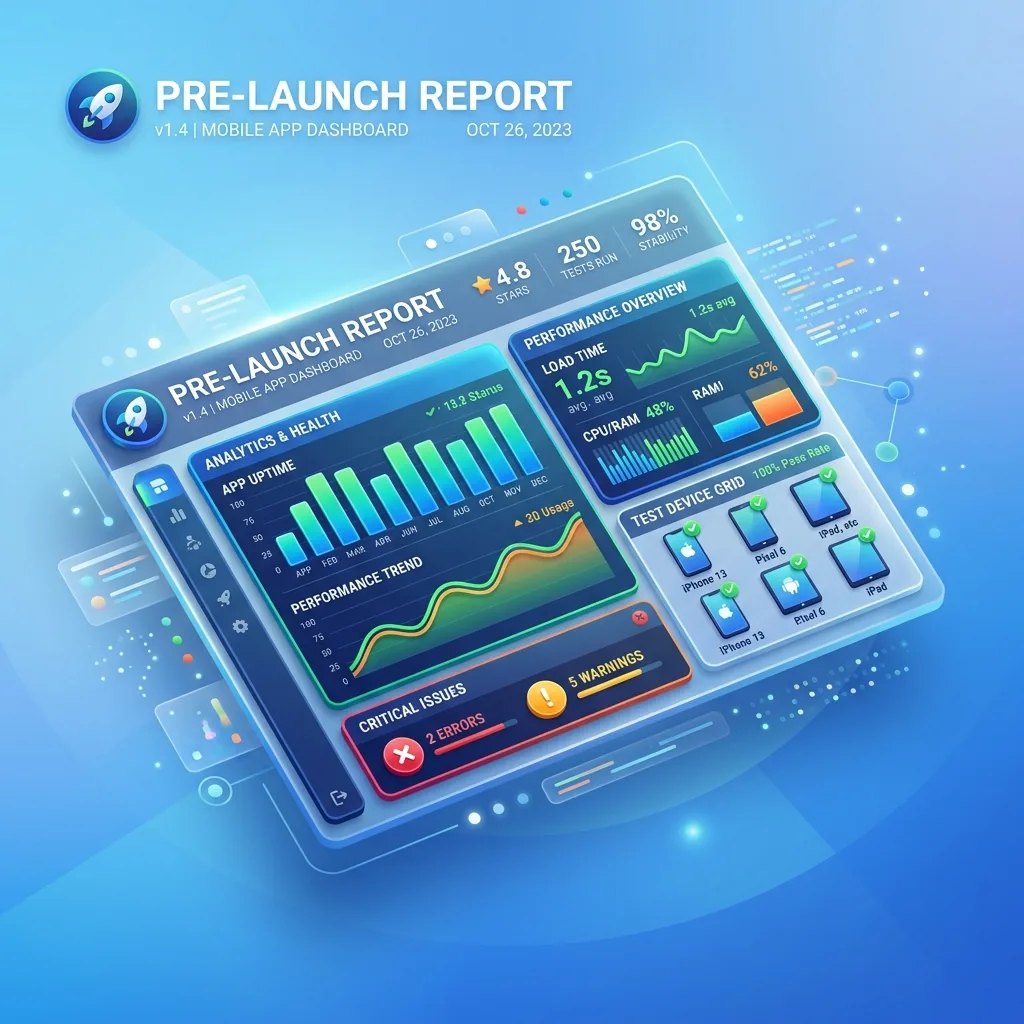
Every time you upload an AAB in closed testing, Google tests your app on automated device farms. Here is how to eliminate crashes and pass review.
The 4 essential diagnostic sections of the report
Robo Crawler Stability & Native Crashes
Google runs automated crawling scripts across 10+ virtual and physical devices. You get native stack traces, screenshots, and video recordings at the exact moment of failure.
Accessibility & Touch Target Warnings
Flags UI elements with insufficient contrast or touch targets smaller than 48x48dp. Fixing these improves store ranking and overall user satisfaction.
Performance, Cold Start & Memory Usage
Measures your app startup duration, memory consumption spikes, and slow-rendering UI frames on varied hardware.
Security Vulnerabilities & Outdated SDKs
Identifies deprecated libraries, unsafe intent broadcasts, and known CVEs in third-party dependencies before your app hits production.
Pre-Launch Report FAQ
Can automated Robo tests replace the 14-day human testing requirement?
No. The pre-launch report is purely an automated diagnostic tool. Google still strictly requires 12 real human testers for 14 continuous days on your closed track.
How can I provide login credentials for the automated Robo test crawler?
In Play Console, navigate to Release → Pre-launch report → Settings → Test credentials. Enter dummy test credentials so the crawler can explore screens behind login.
Are non-fatal accessibility warnings blocking production approval?
Accessibility warnings are generally non-blocking for publication, but resolving them prevents user frustration and negative initial ratings.
Ready to recruit 12 real testers alongside automated tests?
Join TestMonApp to validate your mandatory 14-day closed testing period.
Launch my campaign for freeExplore all Google Play guides
Everything you need to successfully launch and grow your Android app.
Google Play Closed Testing Requirements
Core ProcessAccount Setup & Store Publishing
GuidesApp Quality, Legal & ASO Growth
OptimizationJoin a test today
These developers are waiting for your feedback.