

Console Tutorial
Create your Google Play developer account
Become an official Android app publisher. Here's how to set up your account in a compliant and secure way.
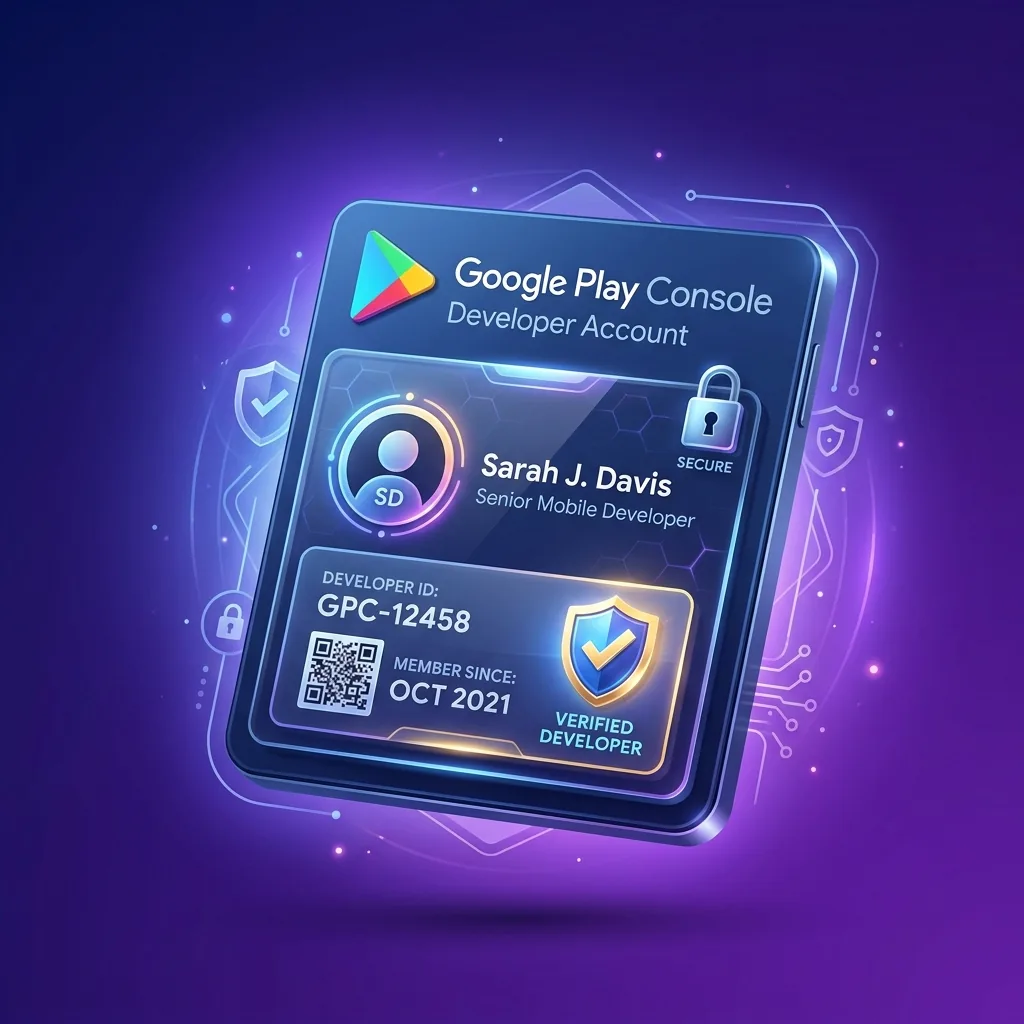
Steps to set up your account
1
Create a Google Developer account
Go to play.google.com/console and sign in with a dedicated Google account.
2
Pay the $25 fee
Google requires a one-time payment of $25 USD to verify your developer account.
3
Verify your identity
Provide an official ID and proof of address to finalize validation.
Ready to publish your app on Google Play?
Join our developer community and get your 12 testers in less than 48 hours.
Launch my campaign for free Knowledge Hub & Guides
Explore all Google Play guides
Everything you need to successfully launch and grow your Android app.
Google Play Closed Testing Requirements
Core ProcessAccount Setup & Store Publishing
GuidesApp Quality, Legal & ASO Growth
Optimization Applications open now
Join a test today
These developers are waiting for your feedback.