

14-Day Google Play Requirement: how to validate it stress-free
Since late 2023, Google requires personal developer accounts to maintain at least 12 active opt-in testers for 14 consecutive days. Here is the complete roadmap.
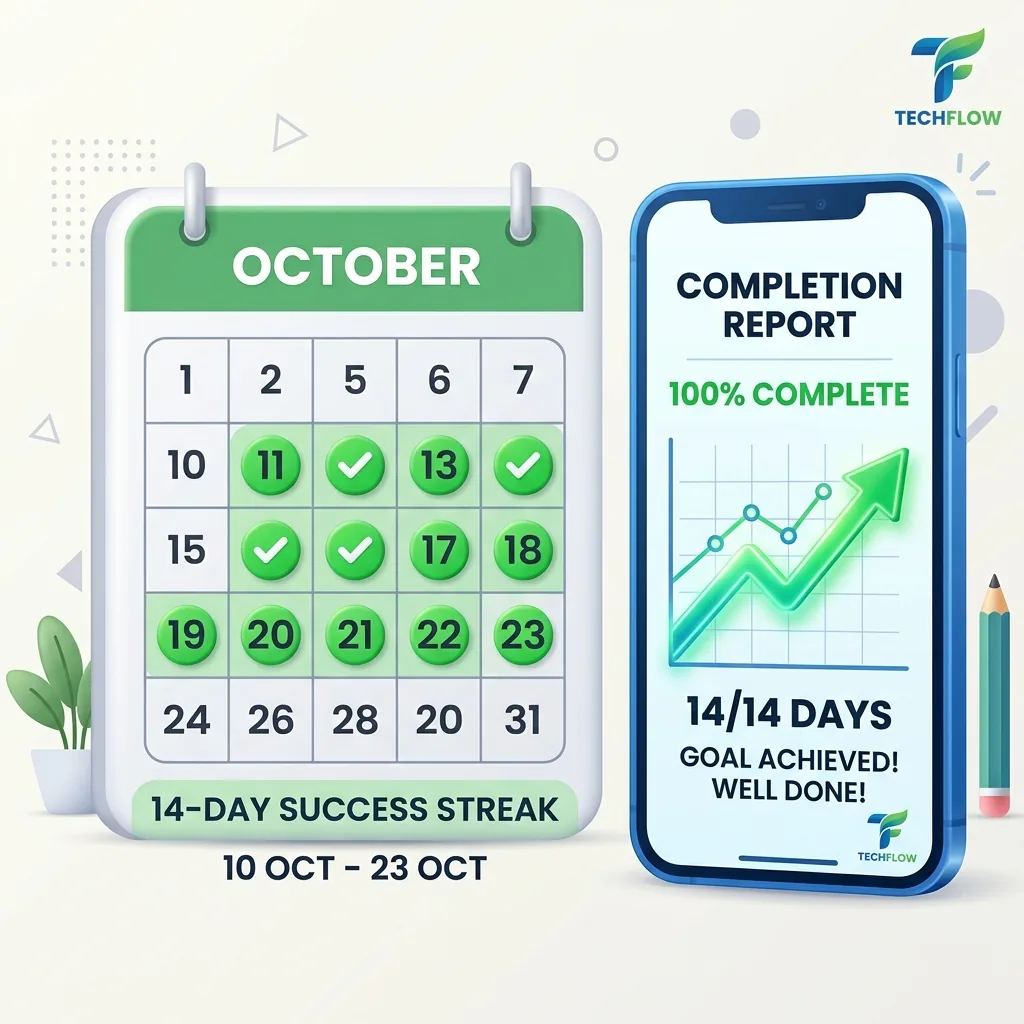
Plan your production access date
Oct 29, 2026
12+ testers opt-in and download APK
Nov 5, 2026
Mid-point check & feedback review
Nov 12, 2026
14 full days validated
Nov 13, 2026
Apply for Production in Play Console
How Google counts the 14 days
minimum testers
Active opt-ins in Play Console
consecutive days
Without ever dropping below 12
exceptions
If you drop below 12, the counter restarts
What counts for Google Play
- ✓ Tester who clicked the opt-in link on web or Android
- ✓ Tester who downloaded/installed the APK/AAB
- ✓ Tester who keeps the app installed during 14 days
- ✓ Opt-in confirmed in Play Console Statistics
What doesn't count
- ✗ Tester who left the program before day 14
- ✗ Tester who clicked opt-in but never downloaded
- ✗ Internal test track testers (they don't count for closed test)
- ✗ Unverified email addresses or duplicate accounts
Strategy to validate the 14 days without interruption
Recruit 15–20 testers instead of 12
Plan a safety margin of at least 30%. If 2–3 testers disengage or change devices, you remain above 12 without risking a reset.
Mid-point engagement check at Day 7
Halfway through, engage your testers with feedback requests on TestMonApp to confirm active usage.
Instant replacement on drop-off
With TestMonApp auto-replacement, if a tester unsubscribes, new testers are assigned automatically to preserve your streak.
Daily Play Console monitoring
Check your active tester count under Testing → Closed testing → Dashboard every morning.
14-Day Requirement FAQ
What happens if a tester uninstalls the app on Day 10?
If your total active opt-in count drops below 12, Google Play may reset the 14-day counter. That is why recruiting 15–20 testers via TestMonApp is strongly advised.
Can I release app updates during the 14 days?
Yes! Releasing bug fixes or minor updates during closed testing does not reset your 14-day counter and demonstrates positive active development to Google reviewers.
Do testers have to open the app every single day?
Google requires testers to be opted in and actively engaged. While daily opening is not strictly monitored second-by-second, regular sessions and crash-free usage are essential.
How do I apply for production once the 14 days are completed?
A button "Apply for production" will appear on your Play Console dashboard. You will then answer a questionnaire about your closed test feedback before final review.
Ready to validate your 14 days?
Join our developer community and secure your 12+ testers in less than 48 hours.
Launch my campaign for freeExplore all Google Play guides
Everything you need to successfully launch and grow your Android app.
Google Play Closed Testing Requirements
Core ProcessAccount Setup & Store Publishing
GuidesApp Quality, Legal & ASO Growth
OptimizationJoin a test today
These developers are waiting for your feedback.