


Android Testing Best Practices: the QA guide
Deploy a stable, crash-free application that passes Google Play review on the first attempt with our structured quality roadmap.
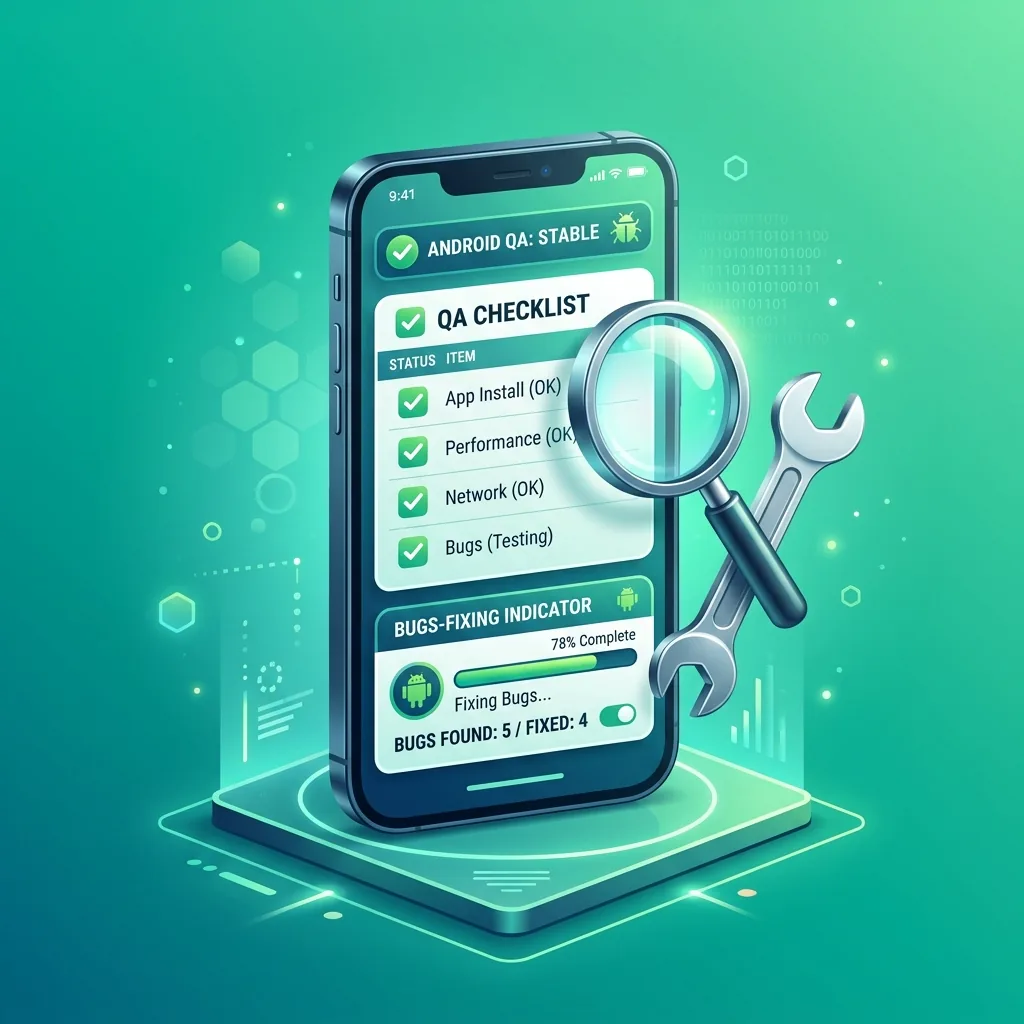
The 4 pillars of Android QA excellence
Real User Usability Testing (UX)
Automated tests cannot replace human feedback. Real testers uncover confusing navigation flows and intuitive UI gaps.
Security & Data Privacy Audit
Encrypt stored user preferences, use HTTPS endpoints, and avoid logging sensitive tokens in release builds.
Structured Bug Reporting
Collect precise device model, OS build, reproduction steps, and screenshots for every reported anomaly.
Regression & Smoke Tests
Run a rapid smoke test before each release to verify that authentication, core actions, and payments still work flawlessly.
Essential Pre-Release QA Checklist
Device Fragmentation
- Test on low-end and flagship devices (Samsung, Xiaomi, Pixel)
- Verify responsiveness on multiple screen ratios and Android 10 to 15
Network & Offline Resiliency
- Simulate unstable 3G/4G network transitions and flight mode
- Ensure graceful error states when backend APIs timeout
Authentication & Permissions
- Provide working demo login for Google Play reviewers
- Request runtime permissions only in context with clear rationale
Stability & Memory Management
- Track memory leaks and background ANRs (Application Not Responding)
- Monitor crash logs using Firebase Crashlytics or Play Console Vitals
Testing Best Practices FAQ
How many different Android device models should I test on?
We recommend testing on at least 5 to 10 distinct hardware configurations (different SOCs, screen aspect ratios, and Android OS versions).
What is the acceptable crash rate according to Google Play Android Vitals?
Google flags apps with a user-perceived crash rate above 1.09% or ANR rate above 0.47% as bad behavior, which hurts Play Store discoverability.
How does TestMonApp help fulfill quality testing requirements?
TestMonApp distributes your app to hundreds of active testers with varied Android devices, providing genuine usage analytics and qualitative feedback.
Ready to test your app with real Android users?
Get your 12+ active testers in less than 48 hours with TestMonApp.
Launch my campaign for freeExplore all Google Play guides
Everything you need to successfully launch and grow your Android app.
Google Play Closed Testing Requirements
Core ProcessAccount Setup & Store Publishing
GuidesApp Quality, Legal & ASO Growth
OptimizationJoin a test today
These developers are waiting for your feedback.